4.3 million more workers will soon get OT pay. Here's who qualifies.
Expanded federal overtime rule could result in employers paying workers an additional $1.5 billion, according to one estimate.
Watch CBS News

Expanded federal overtime rule could result in employers paying workers an additional $1.5 billion, according to one estimate.

Travelers often spend more than they need to for airfare, experts say. Here's what to know about paying for add-ons like your seat assignment.
Senators approve foreign aid package that includes a potential ban on TikTok in the U.S. Here's what experts say could happen next.

Regulators prohibit new noncompetes, which impede millions of U.S. workers from getting a better job.
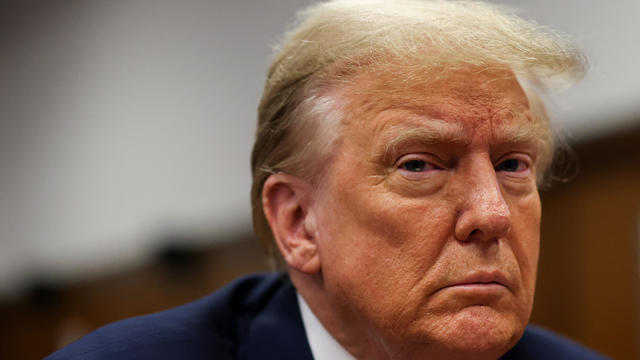
Former President Donald Trump could receive a large windfall from his newly public media company, Trump Media & Technology Group.
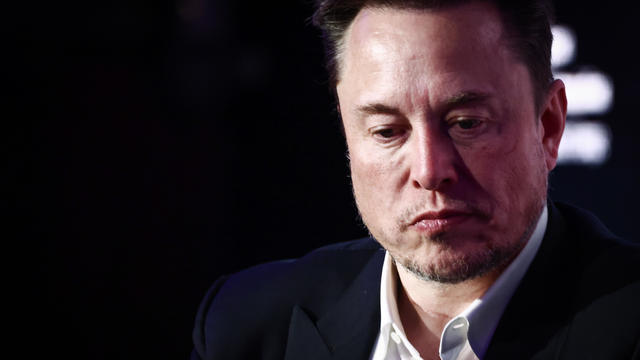
Tesla reports slide in earnings and revenue, but investors cheered by pledge to accelerate rollout of cheaper vehicles.
Customers who rely on government assistance programs can get same perks as Prime members, for less.
UnitedHealth said it paid the criminals behind attack that crippled hospitals and pharmacies to protect sensitive patient data.
Millions of Americans filed their taxes during the last two weeks of this year's tax season. Here's how to find out when you'll get your refund.

A debt relief service may be able to help you deal with mounting debt. Here's why now is a great time to sign up.

There are a few reasons why you may want to put some money in gold before the Fed meets again. Here's what to know.

Mortgage points can help homebuyers significantly reduce their monthly mortgage payments. Here's how.
Tesla accounted for 80% of electric vehicle sales in the U.S. in 2020, but that figure fell to 55% last year.
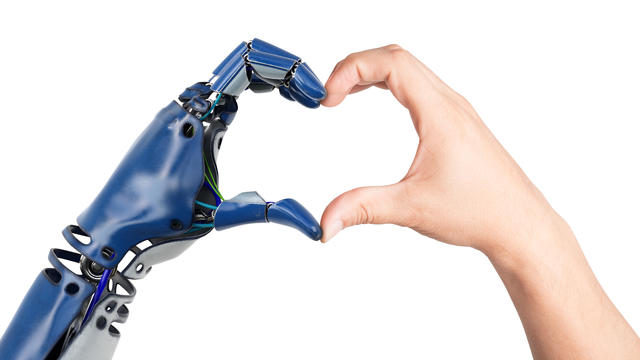
The generative artificial intelligence boom has led to the emergence of romantic companion bots.

Apple said it will stop selling the devices later this month in order to comply with a U.S. import ban.
Alex Jones, the conspiracy theorist known for his fake news site InfoWars and his false denial of the Sandy Hook massacre, was permanently banned from Twitter in 2018.

More than 90 million consumers will scan a QR code this year. But the technology can also facilitate identity theft.
The billionaire owner of X took a defensive tone, saying that "the whole world will know that those advertisers killed the company."
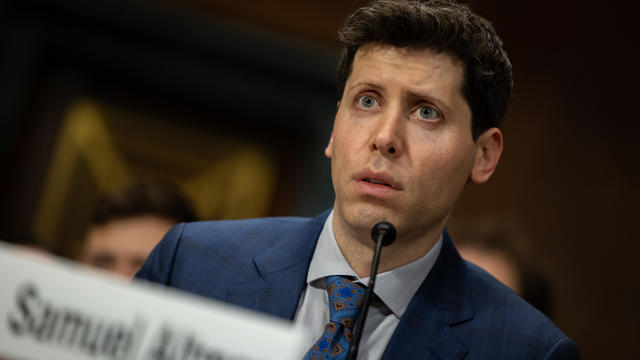
OpenAI co-founder Sam Altman says he's looking forward to returning to the company, with the support of Microsoft's CEO, to build the 2 companies' "strong partnership."
Musk, who is under fire for supporting an antisemitic post, said the money will be donated to hospitals in Israel and to the Red Cross in Gaza.
Altman landed at Microsoft, the biggest investor in OpenAI, as former Twitch leader Emmett Shear was named OpenAI's new chief executive.
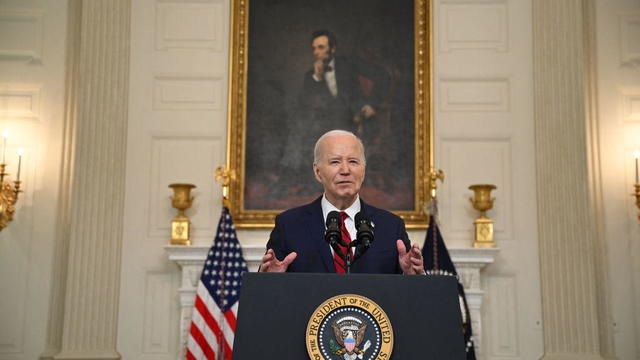
"It's a good day for America, it's a good day for Europe and it's a good day for world peace," Mr. Biden said in remarks from the White House.

A video released by Hamas' military wing appears to show U.S.-Israeli hostage Hersh Goldberg-Polin delivering a message under duress.
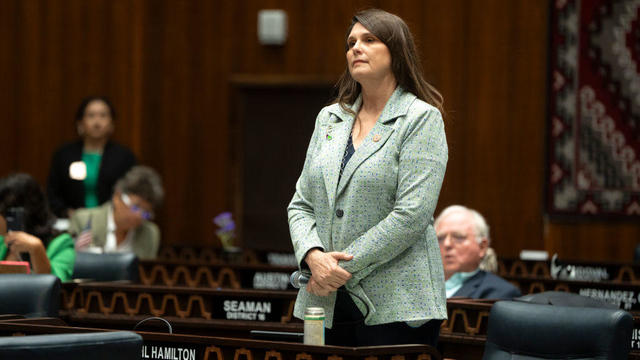
Earlier this month, the Arizona Supreme Court ruled that the highly-restrictive 160-year-old law that bans nearly all abortions can be enforced.
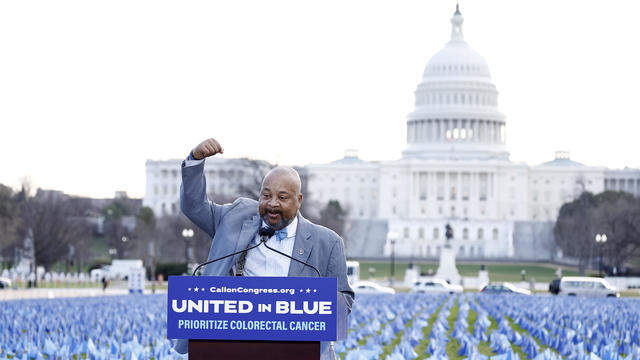
The New Jersey Democrat suffered "a cardiac episode based on complications from his diabetes" earlier this month.
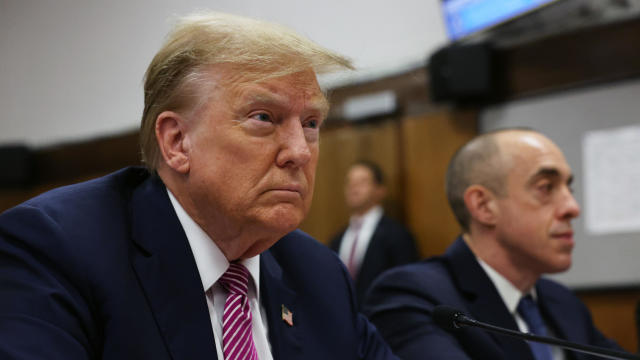
The outcome of the immunity case before the Supreme Court will have significant ramifications for former President Donald Trump's federal criminal prosecution in Washington, D.C.
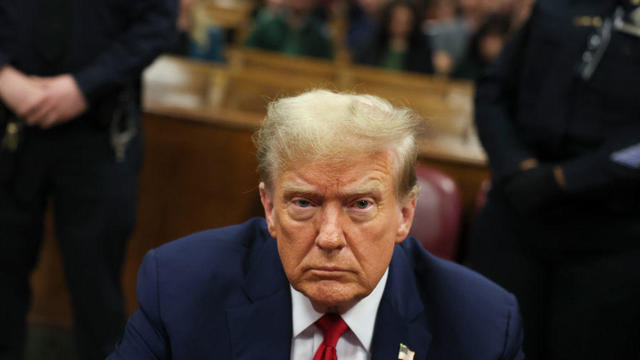
Trump Media CEO Devin Nunes is asking four House committees to investigate possible "naked" short selling in the company's shares.
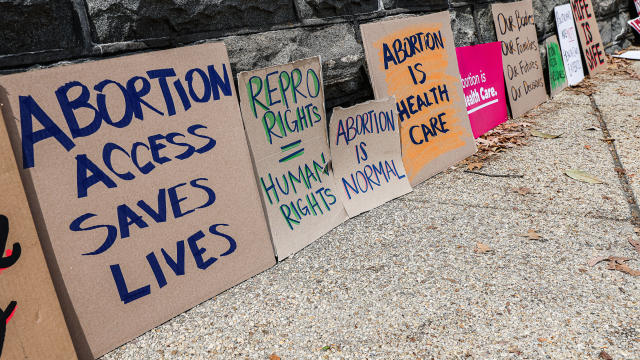
The Supreme Court heard arguments in a case that pits Idaho's near-total abortion ban against a federal law that requires hospitals to offer emergency care.
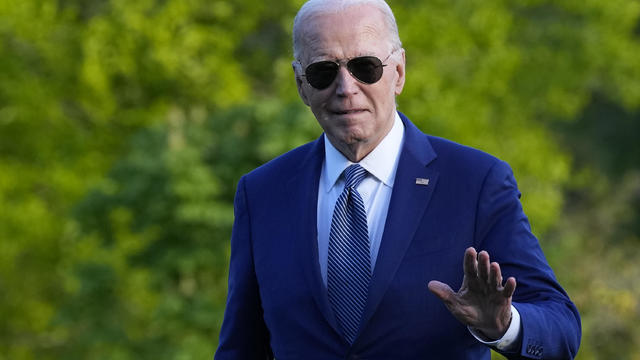
"America is a nation founded on the promise of second chances," President Biden said in a statement.

Lawmakers argue the Chinese government can use the widely popular video-sharing app as a spy tool and to covertly influence the U.S. public.

The U.S. is reaching "peak 65," marking the largest retirement wave in American history. But the financial outlook for many is grim.

Americans are underprepared for retirement, with the average account holding just $88,400 in savings.
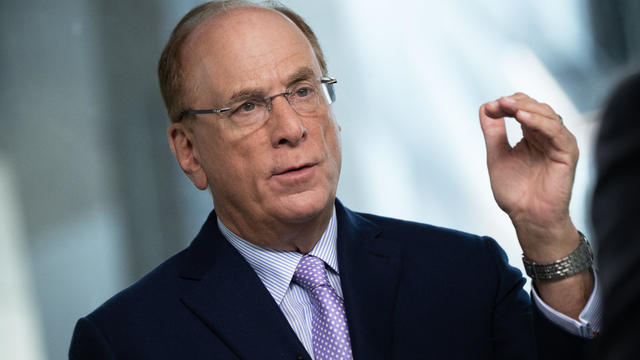
BlackRock CEO Larry Fink said that longer life expectancies are "putting the U.S. retirement system under immense strain."

About 1 in 8 workers think they'll retire by age 61. But the reality of saving for decades of expenses is daunting.

America's retirement system has left behind 90% of workers. "We see big gaps with the rich and the poor in terms of who gets to retire," one expert said.
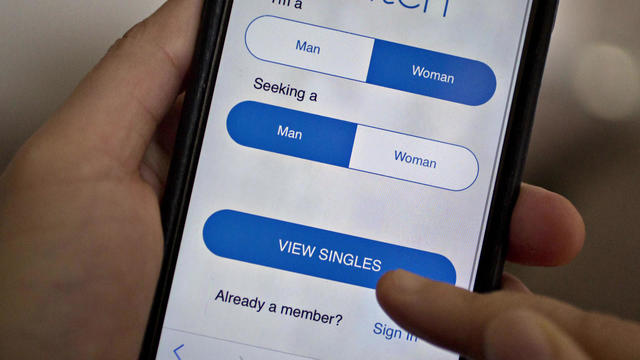
Niselio Barros Garcia Jr., 50, scammed victims out of $2.3 million in funds, according to authorities.
Trump Media CEO Devin Nunes is asking four House committees to investigate possible "naked" short selling in the company's shares.
The New Jersey Democrat suffered "a cardiac episode based on complications from his diabetes" earlier this month.

Lisa Ling is a CBS News contributor and part of the sandwich generation herself. Ling's family is part of nearly 80 million Americans taking care of children and our elderly parents at the same time.
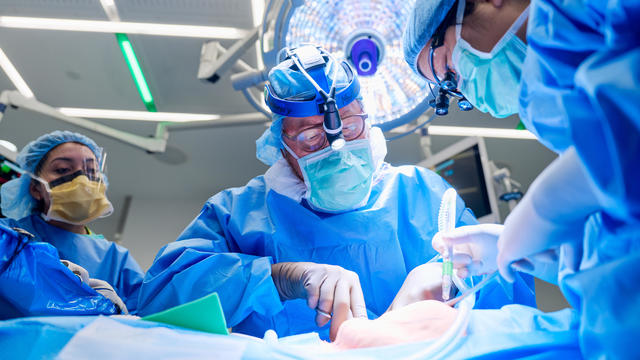
For the first time, surgeons at NYU Langone Health performed a combined mechanical heart pump and gene-edited pig kidney transplant into a living person.
Niselio Barros Garcia Jr., 50, scammed victims out of $2.3 million in funds, according to authorities.
Trump Media CEO Devin Nunes is asking four House committees to investigate possible "naked" short selling in the company's shares.
Lawmakers argue the Chinese government can use the widely popular video-sharing app as a spy tool and to covertly influence the U.S. public.
Expanded federal overtime rule could result in employers paying workers an additional $1.5 billion, according to one estimate.
Travelers often spend more than they need to for airfare, experts say. Here's what to know about paying for add-ons like your seat assignment.
The New Jersey Democrat suffered "a cardiac episode based on complications from his diabetes" earlier this month.
"It's a good day for America, it's a good day for Europe and it's a good day for world peace," Mr. Biden said in remarks from the White House.
"America is a nation founded on the promise of second chances," President Biden said in a statement.
The outcome of the immunity case before the Supreme Court will have significant ramifications for former President Donald Trump's federal criminal prosecution in Washington, D.C.

The USDA had floated banning flavored milk options from some school lunches.
For the first time, surgeons at NYU Langone Health performed a combined mechanical heart pump and gene-edited pig kidney transplant into a living person.
The USDA had floated banning flavored milk options from some school lunches.
UnitedHealth said it paid the criminals behind attack that crippled hospitals and pharmacies to protect sensitive patient data.
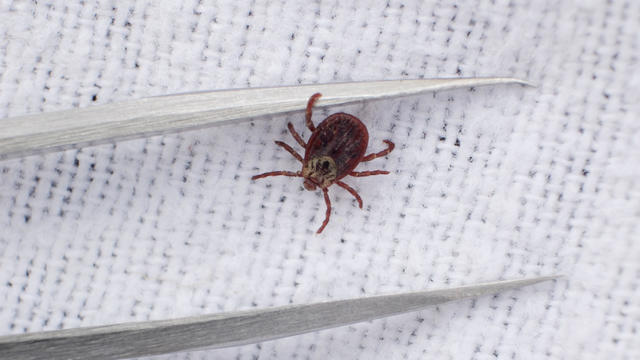
Warmer weather is prime time for ticks that can carry Lyme disease and other illnesses. Here's how to spot them and get rid of them.
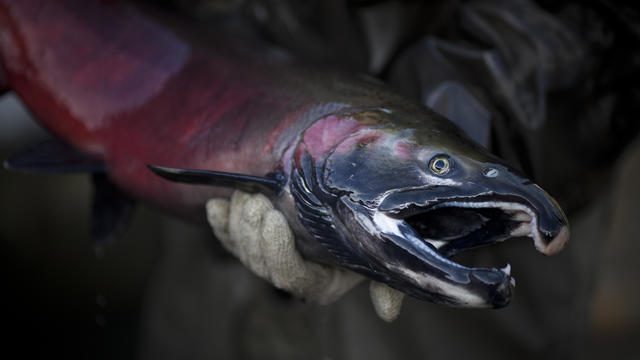
Tires emit huge volumes of particles and chemicals as they roll along the highway, and researchers are only beginning to understand the threat. One byproduct of tire use, 6PPD-q, is in regulators' crosshairs after it was found to be killing fish.
A video released by Hamas' military wing appears to show U.S.-Israeli hostage Hersh Goldberg-Polin delivering a message under duress.
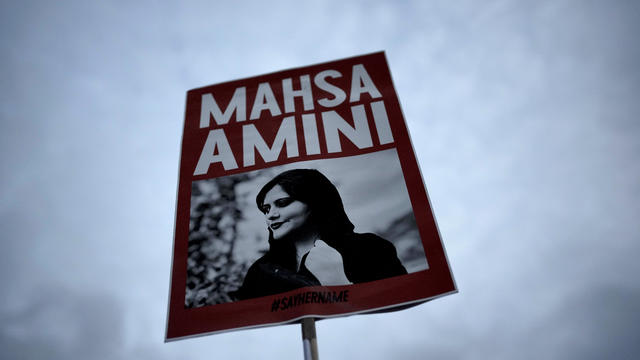
Rapper Toomaj Salehi has been jailed for more than a year and a half for his support of protests after Mahsa Amini's death, according to local media.

Ukraine claims to have destroyed almost 1 million cubic feet of fuel in a drone strike on Russian state-owned oil depots.
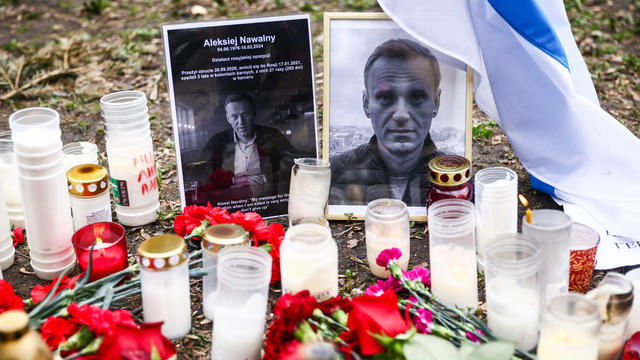
A priest who oversaw a memorial for late Russian opposition leader Alexey Navalny has been suspended by the head of the country's Orthodox Church.

Two runaway military horses bolted through central London, leaving at least 4 people and the animals injured, officials said.
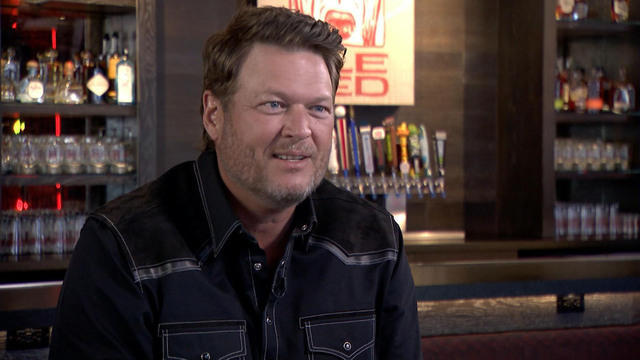
Country music star Blake Shelton expands his popular bar and music venue 'Ole Red' from Nashville to Las Vegas. This opening coincides with Shelton stepping back from his prominent TV roles.

Surprise guests, a broken foot and a history-making headliner.
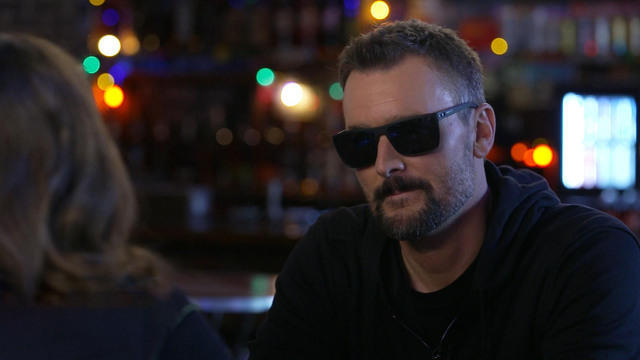
Eric Church is revered as one of country music's most respected figures, often described as Nashville's renegade. But he admits that even after his success, he sometimes still sees himself as an outsider.

Angel Carter Conrad talks about her brother Aaron Carter, his death and how she hopes his legacy and previously unheard music can help others.

Emmy and Tony Award-winning actress Bebe Neuwirth is back on Broadway, starring as Fraulein Schneider in the new revival of "Cabaret."
Lawmakers argue the Chinese government can use the widely popular video-sharing app as a spy tool and to covertly influence the U.S. public.

NASA's Voyager 1, the first spacecraft to travel beyond our solar system, has started sending information back to Earth again after scientists managed to fix the probe from 15 billion miles away.

From labor shortages to environmental impacts, farmers are looking to AI to help revolutionize the agriculture industry. One California startup, Farm-ng, is tapping into the power of AI and robotics to perform a wide range of tasks, including seeding, weeding and harvesting.
Customers who rely on government assistance programs can get same perks as Prime members, for less.
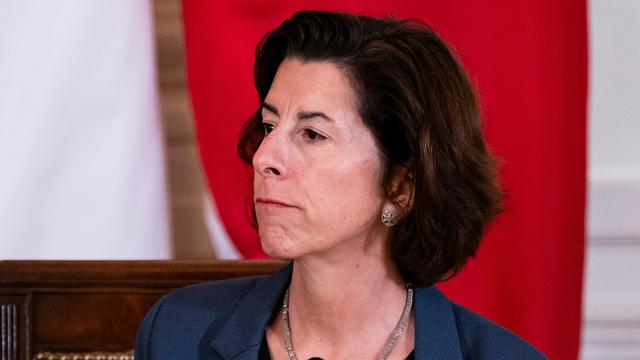
Secretary of Commerce Gina Raimondo is at the center of a global competition for semiconductor dominance. It's a battle that also puts her at the center of two of the hottest global national security hotspots. Lesley Stahl of 60 Minutes spoke with Raimondo for the broadcast.

"Although to some, the noise is annoying, they pose no danger to humans or pets," the sheriff wrote. "Unfortunately, it is the sounds of nature."
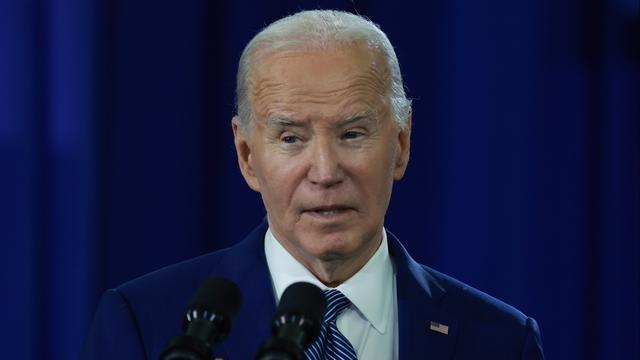
The White House is considering declaring a national climate emergency to unlock federal powers and stifle oil development, according to a Bloomberg report. Meanwhile, the Biden administration is announcing several projects this Earth Week. Columbia University Climate School professor Dr. Melissa Lott joins with analysis.
NASA's Voyager 1, the first spacecraft to travel beyond our solar system, has started sending information back to Earth again after scientists managed to fix the probe from 15 billion miles away.
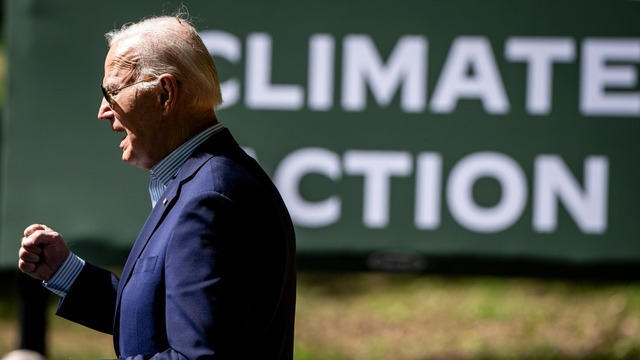
Relatively few Americans say they know a lot about President Biden's initiatives to combat climate change, according to a CBS News poll. Carolyn Kissane, a New York University global affairs associate dean and professor, joins CBS News with more on Biden's climate policies.

A photo taken two days after the sinking of the RMS Titanic apparently shows the iceberg that doomed the so-called unsinkable ship in 1912. CBS News' John Dickerson has details.
Niselio Barros Garcia Jr., 50, scammed victims out of $2.3 million in funds, according to authorities.
Glenn Sullivan Sr., 54, pleaded guilty to four counts of second-degree rape on April 17.
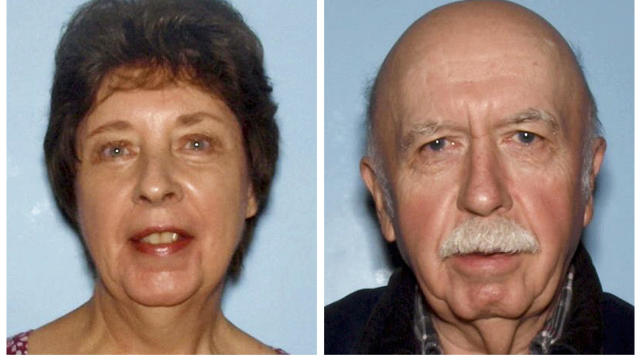
A person magnet fishing in Horse Creek found a .22-caliber rifle, a cellphone, driver's licenses and credit cards, authorities said.
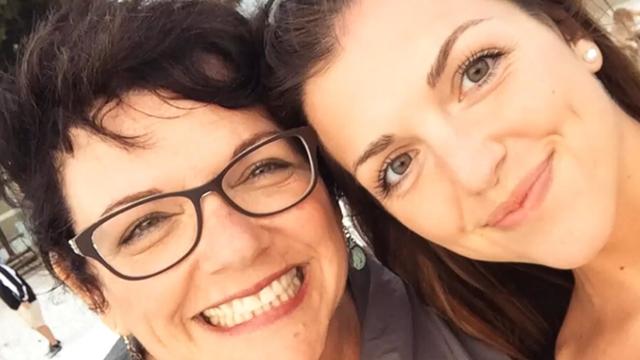
CBS News is investigating a growing number of fraud cases known as romance scams. Chief investigative correspondent Jim Axelrod explains how victims can unknowingly become perpetrators in the very scams they fall prey to.
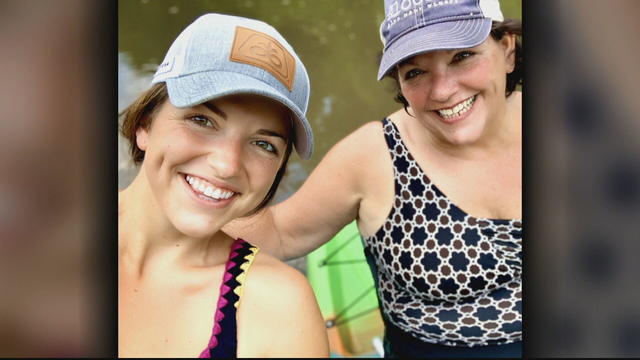
Jim Axelrod dives into the world of romance scams, showing how sometimes the victims can also become unwitting accomplices in the scammers' financial crimes.

In November 2023, NASA's Voyager 1 spacecraft stopped sending "readable science and engineering data."

In two weeks, Boeing's Starliner spacecraft is scheduled to launch its first piloted test flight, bringing two veteran NASA astronauts to the International Space Station. Astronaut Matt Dominick joined CBS News from the ISS to talk about the mission and life in space.
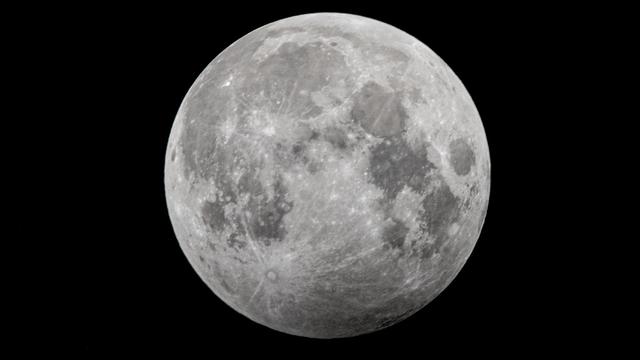
A process called cryopreservation allows cells to remain frozen but alive for hundreds of years. For some animal cells, the moon is the closest place that's cold enough.
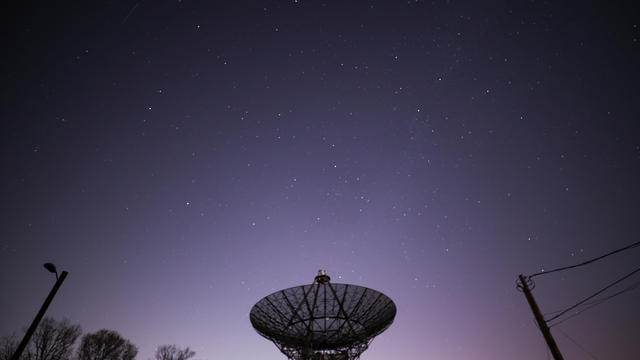
The Lyrid meteor show is set to peak as the week begins.

April's full moon, known as the Pink Moon, will reach peak illumination on Tuesday, but it will appear full from Monday morning through Thursday morning.
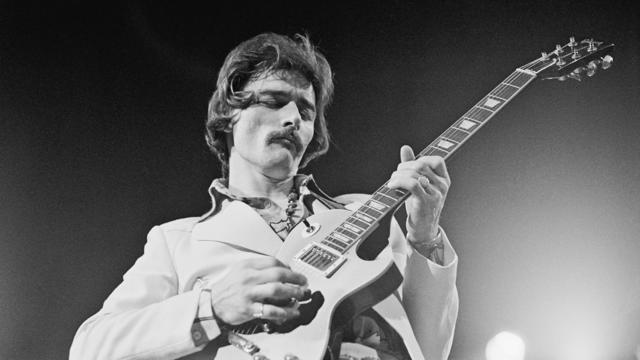
A look back at the esteemed personalities who've left us this year, who'd touched us with their innovation, creativity and humanity.

The Francis Scott Key Bridge in Baltimore collapsed early Tuesday, March 26 after a column was struck by a container ship that reportedly lost power, sending vehicles and people into the Patapsco River.
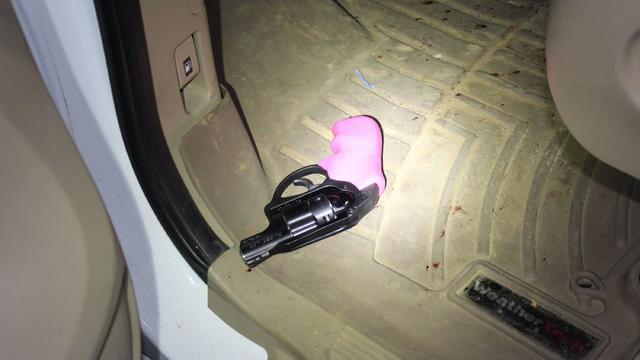
When Tiffiney Crawford was found dead inside her van, authorities believed she might have taken her own life. But could she shoot herself twice in the head with her non-dominant hand?
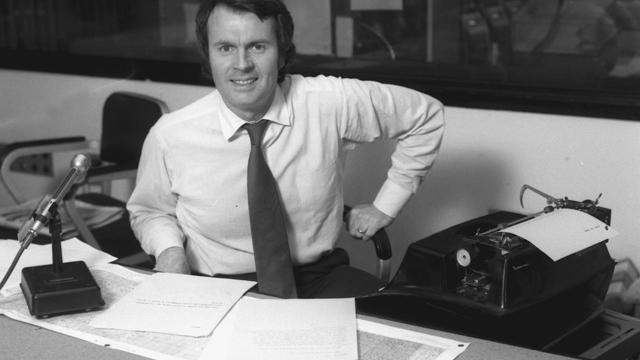
We look back at the life and career of the longtime host of "Sunday Morning," and "one of the most enduring and most endearing" people in broadcasting.

Cayley Mandadi's mother and stepfather go to extreme lengths to prove her death was no accident.

Viktoria Nasyrova is accused of using cheesecake as a murder weapon. Her motive was to steal the identity of Olga, who looks a lot like her. "48 Hours" correspondent Peter Van Sant reports, Saturday, April 27 at 9/8c on CBS and streaming on Paramount+.

The British Parliament passed a law that allows authorities to put any asylum-seekers arriving in the U.K. without prior permission on a plane and send them to Rwanda. The law is intended to act as a deterrent to anyone trying to enter the U.K. illegally. CBS News foreign correspondent Ramy Inocencio breaks down what you need to know about the controversial program.
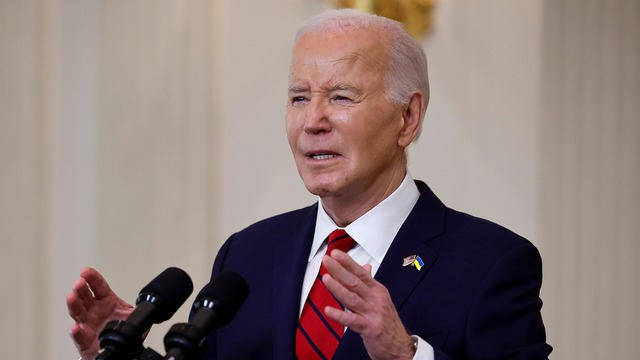
President Biden spoke from the White House Wednesday after signing into law a $95 billion foreign aid package that will send money to Israel, Ukraine and Taiwan. The president had been pushing Congress on the legislation for months. CBS News chief White House correspondent Nancy Cordes had analysis of Mr. Biden's remarks following his address.

Condé Nast Traveler's annual Hot List is here. Executive editor Erin Florio joined CBS News for an exclusive first look at the diverse range of hotels, restaurants and cruises that made the cut.
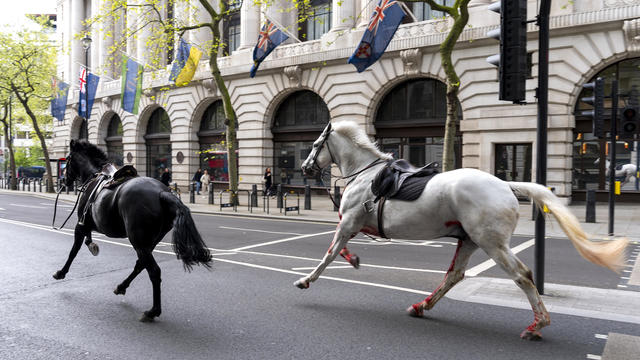
Two military horses, including one seemingly covered in blood, went on the loose through the streets of central London and injured at least four people.